

Set up your business
Before you take bookings, tell MainLodge about your business. Everything here is in Settings → Business Setup.
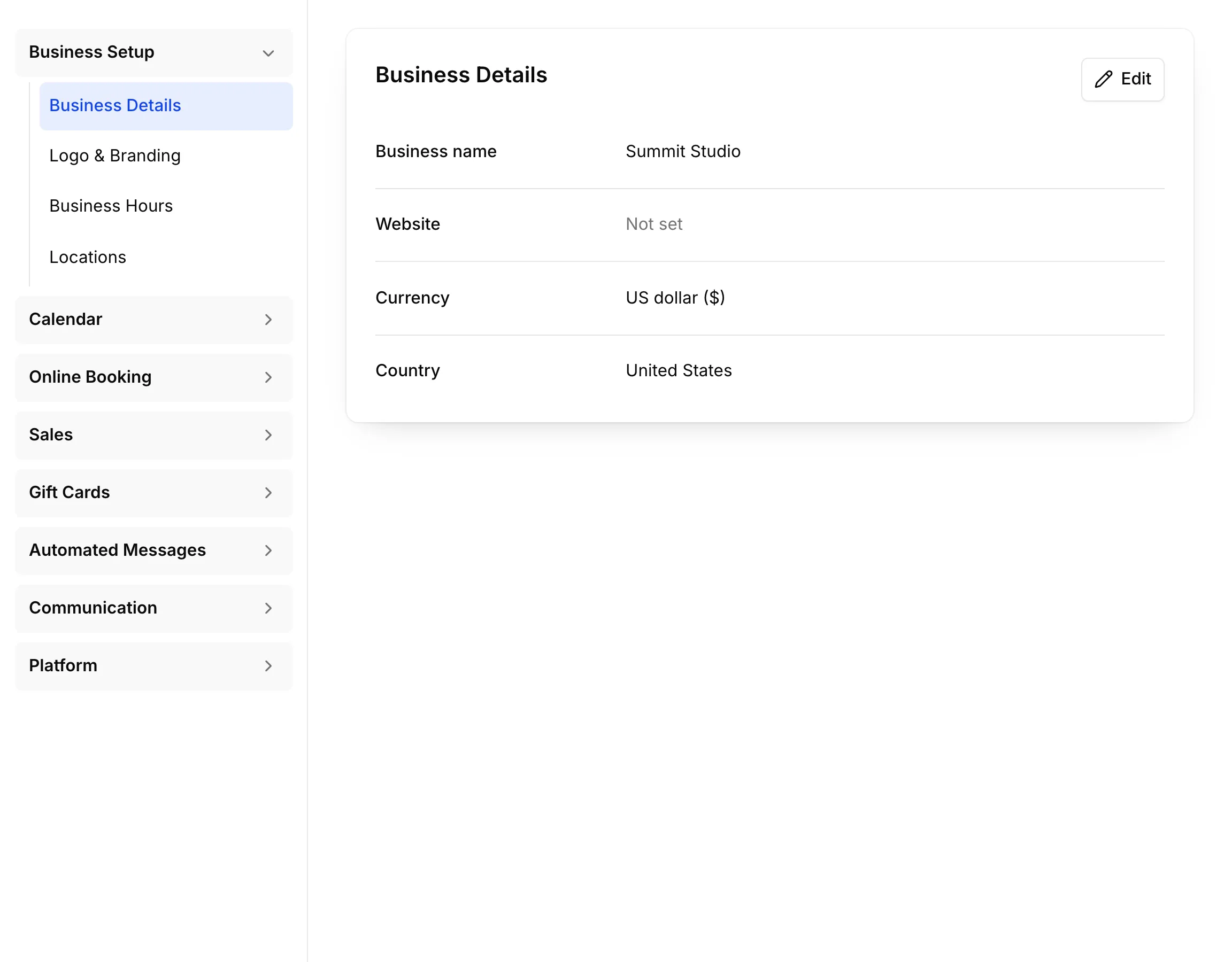
Business Details
Section titled “Business Details”Your Business name and Website, the Currency you charge in and your Country. Choose Edit on the card to change them.
Logo & Branding
Section titled “Logo & Branding”Your Logo, Brand Color and Cover Image. The logo appears on your booking page and in the emails customers get from you; without one, they show your business name.
Business Hours
Section titled “Business Hours”When you’re open, day by day. Choose Copy to all days to set the whole week from one day. Customers can book online only within these hours.
Locations
Section titled “Locations”Each location has its own timezone, staff, equipment, hours, appointments and sales. Customers, services and packages are shared by all your locations.
Times are always shown in the location’s timezone, wherever you’re looking from.