

Share your booking page
Your studio has its own booking page. Customers pick a service and a time and book without creating an account.
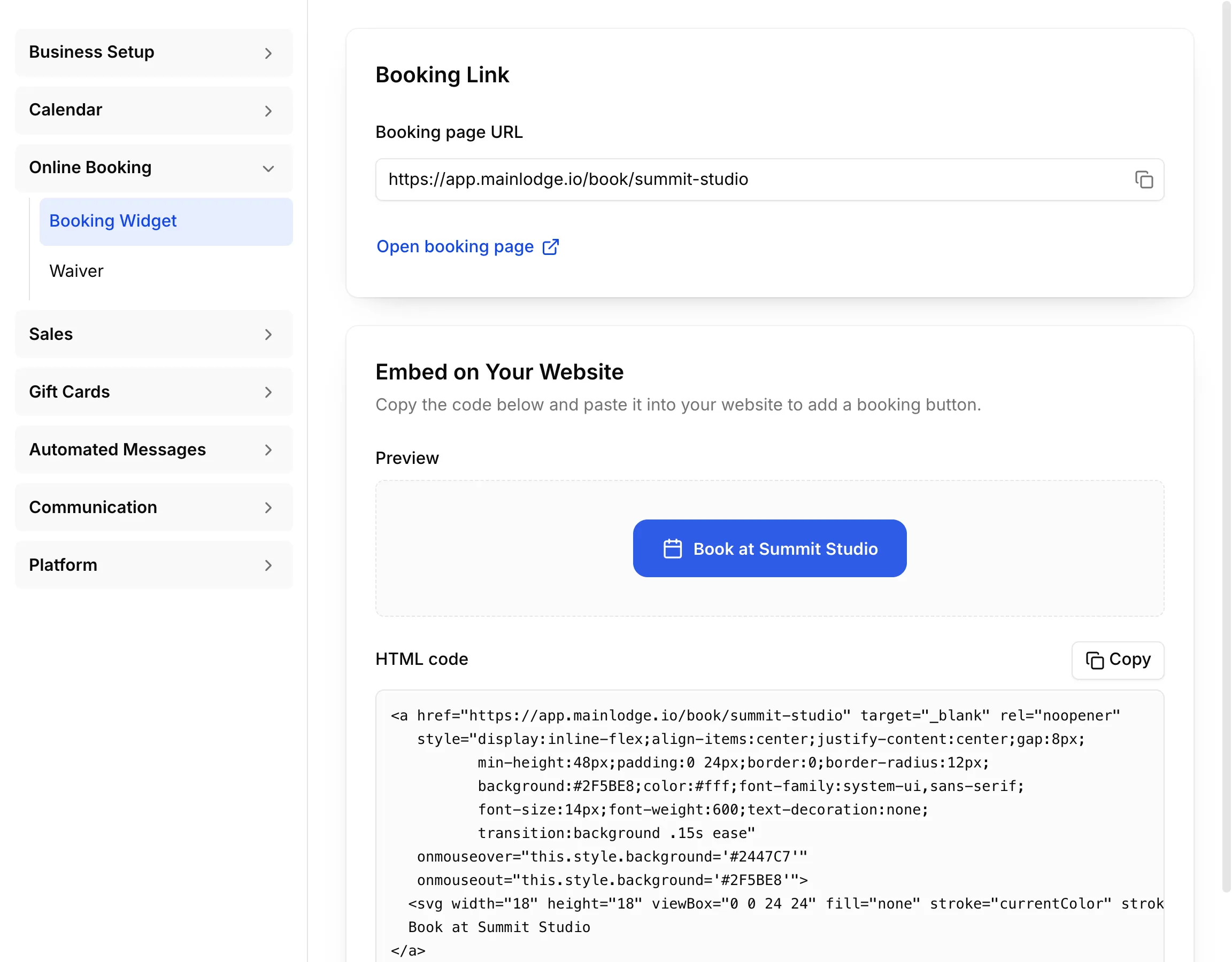
Your booking link
Section titled “Your booking link”Go to Settings → Online Booking → Booking Widget. Copy the Booking page URL and put it wherever customers find you: your website, Instagram bio, Google Business profile, emails. Open booking page shows it as customers see it.
Add a booking button to your website
Section titled “Add a booking button to your website”Under Embed on Your Website, Preview shows the button. Choose Copy next to HTML code and paste it into your website.
What customers can book
Section titled “What customers can book”Only services with Available in online booking on, on their Online Booking tab. Online booking follows the same rules as your calendar: business hours, staff shifts, equipment and what’s already booked.
Waiver
Section titled “Waiver”If customers need to sign a waiver, set it up in Settings → Online Booking → Waiver. Customers without a valid signature get a link to sign it when they book.