

Add a service
Services are what customers book. They’re grouped in categories, the way your customers see them on your booking page.
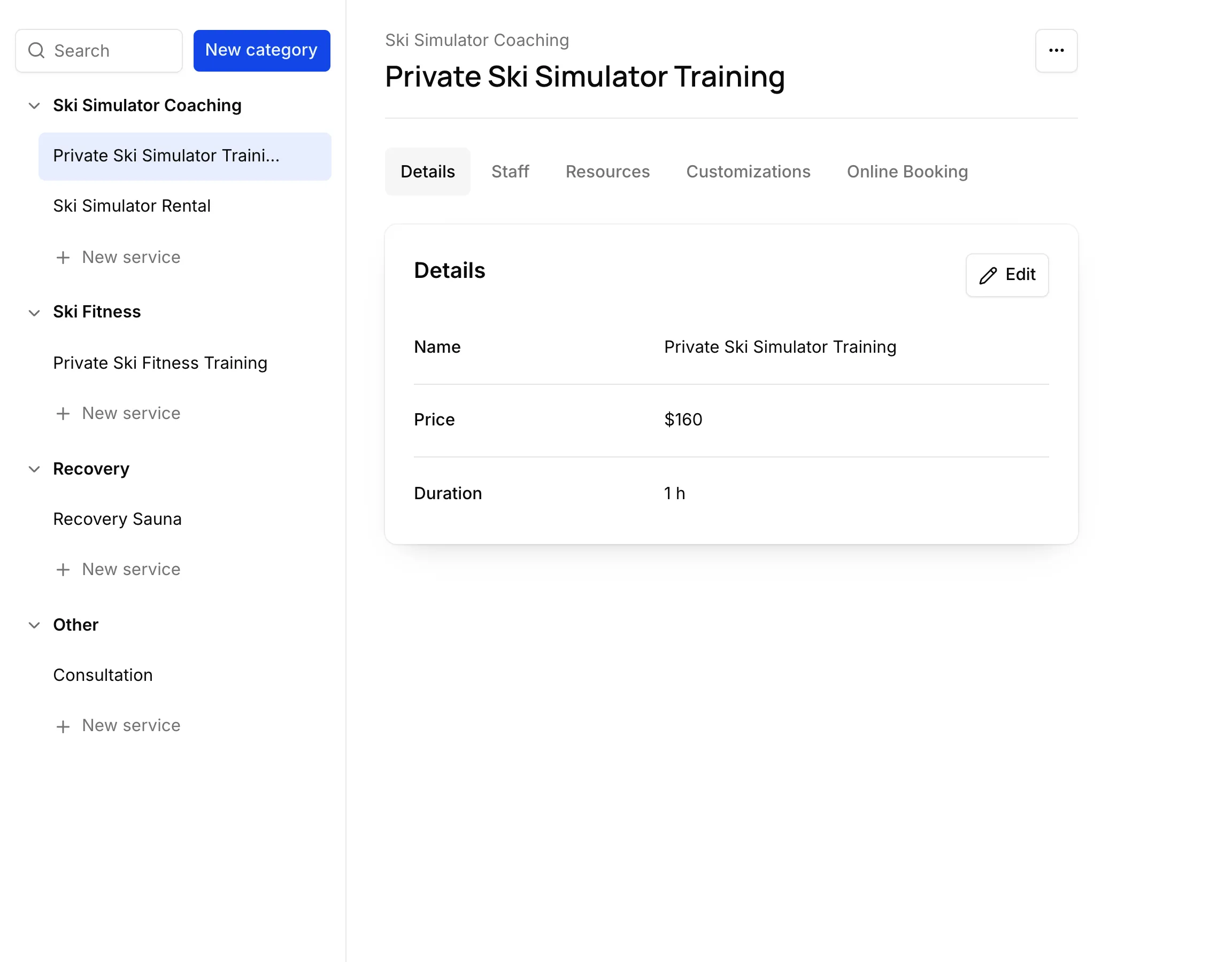
Add a category and a service
Section titled “Add a category and a service”- In Services, choose New category and name it.
- Under the category, choose New service.
- Fill in its Name, Price and Duration. Add a Buffer before or Buffer after if you need time to get ready or tidy up.
Set it up
Section titled “Set it up”Each service has its own tabs:
| Tab | What you set |
|---|---|
| Details | Name, price, duration, buffers and description. |
| Staff | Who performs it, at each location. |
| Resources | The equipment it uses, if any — a simulator, a room. |
| Customizations | Questions and add-ons customers choose when they book. |
| Online Booking | Whether customers can book it online, and its direct link. |
Changing a service
Section titled “Changing a service”Changing a price or a duration doesn’t touch appointments already booked: they keep the length, buffers and price they were booked with.
To remove a service, choose ⋯ → Delete. Future appointments for it stay booked.